
Blippa News
Logon
The Latest
Använd DPP-agent för att förbereda dig inför kommande DPP-lagstiftning
Med EU:s ESPR-förordning och delegerade akter i snabb utveckling behöver företag börja förbereda sig nu. Blippas DPP Agent är ett AI-drivet verktyg som hjälper företag att förstå kraven, bedöma sin beredskap och komma igång med implementeringen. Vad är DPP Agent? DPP Agent är en AI-assistent specialiserad på digitala produktpass och EU-regulatorik. Den kan svara på […]
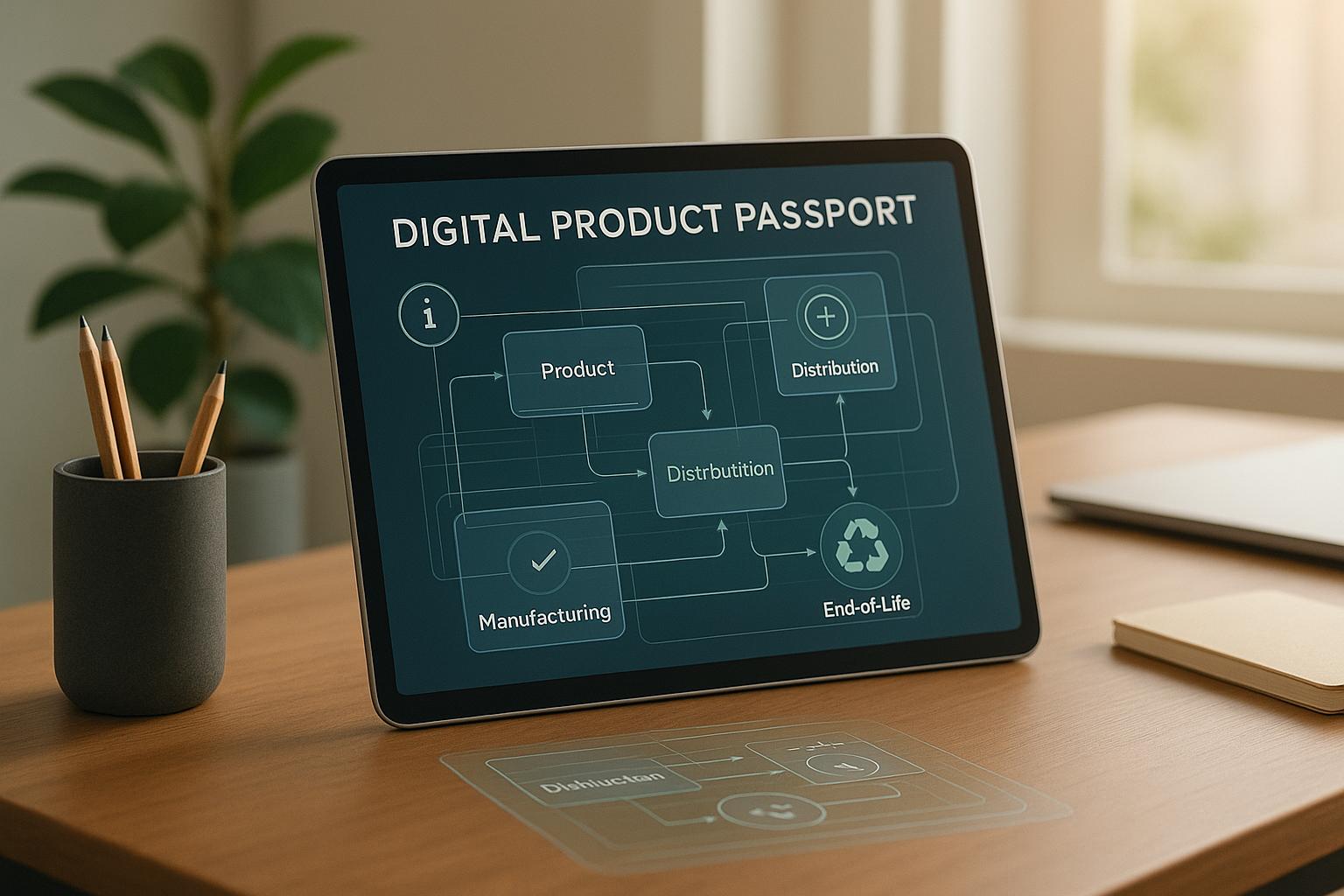
Digitalt produktpass: vanliga frågor besvarade
Digitala produktpass (DPP) väcker många frågor hos företag som ska implementera dem. Här besvarar vi de vanligaste frågorna om DPP-hantering. Vad är ett digitalt produktpass? Ett digitalt produktpass är en standardiserad digital samling av produktdata som följer en produkt genom hela dess livscykel – från tillverkning till återvinning. Det innehåller information om material, tillverkningsprocess, miljöpåverkan, […]

Prioriterade DPP-krav inför 2026
Med ESPR-förordningen i full kraft måste svenska företag nu prioritera sina insatser för att uppfylla kraven på digitala produktpass. Denna artikel beskriver de viktigaste kraven och en praktisk handlingsplan. Datainventering och gap-analys Det första steget är att förstå vilka datapunkter som krävs för dina produktkategorier. ESPR specificerar obligatoriska fält som materialsammansättning, ursprungsland, energieffektivitet, reparerbarhet och […]
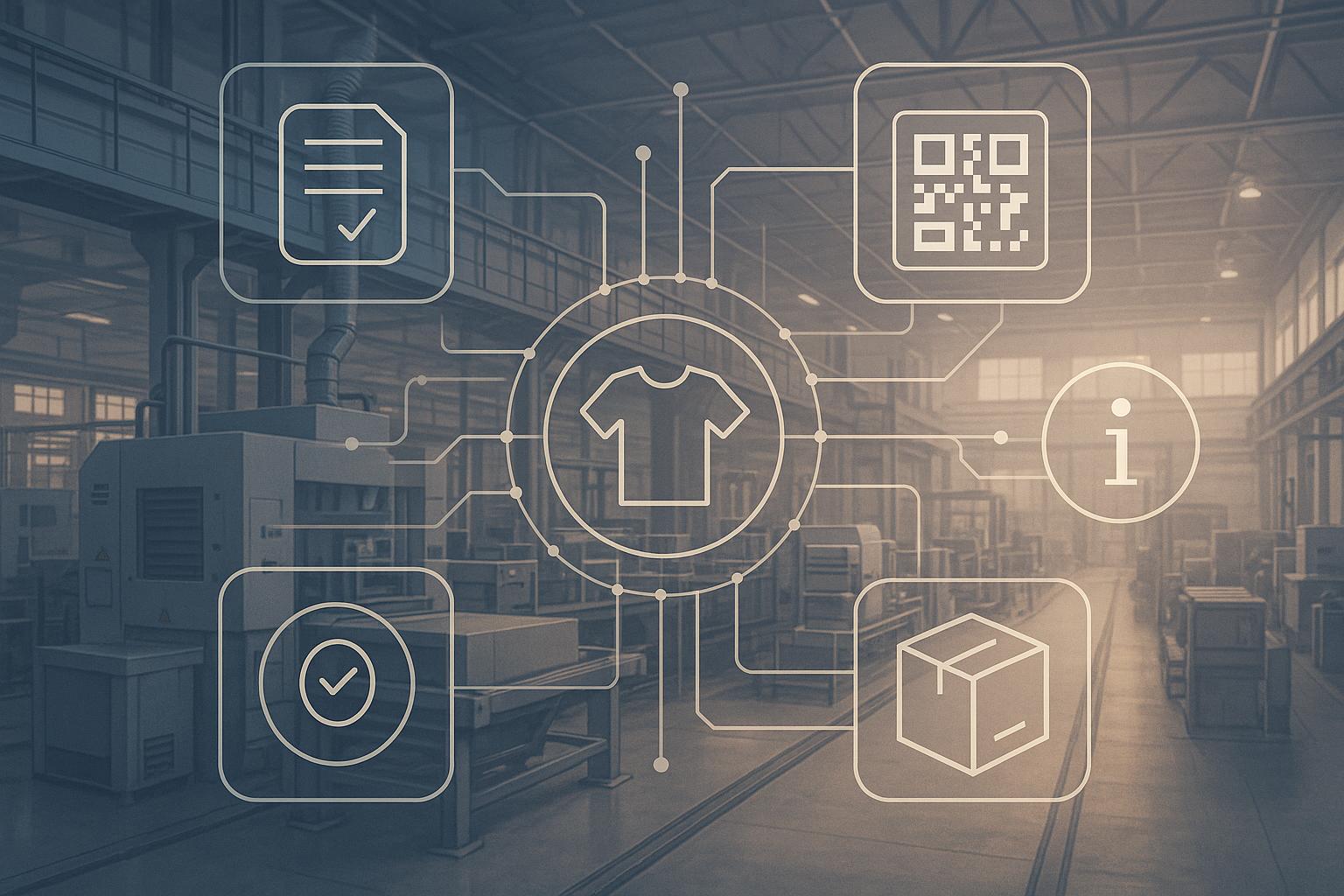
EU:s digitala produktpass (DPP): regelefterlevnad och tillsyn
EU:s förordning om ekodesign för hållbara produkter (ESPR) introducerar obligatoriska digitala produktpass för ett brett spektrum av produktkategorier. Denna artikel ger en översikt av regelverket, Sveriges tillsynsroll och praktiska steg för tillverkare att förbereda sig. Vad är ESPR? Ecodesign for Sustainable Products Regulation (ESPR) ersätter det tidigare ekodesigndirektivet och utvidgar kraven till nästan alla fysiska […]
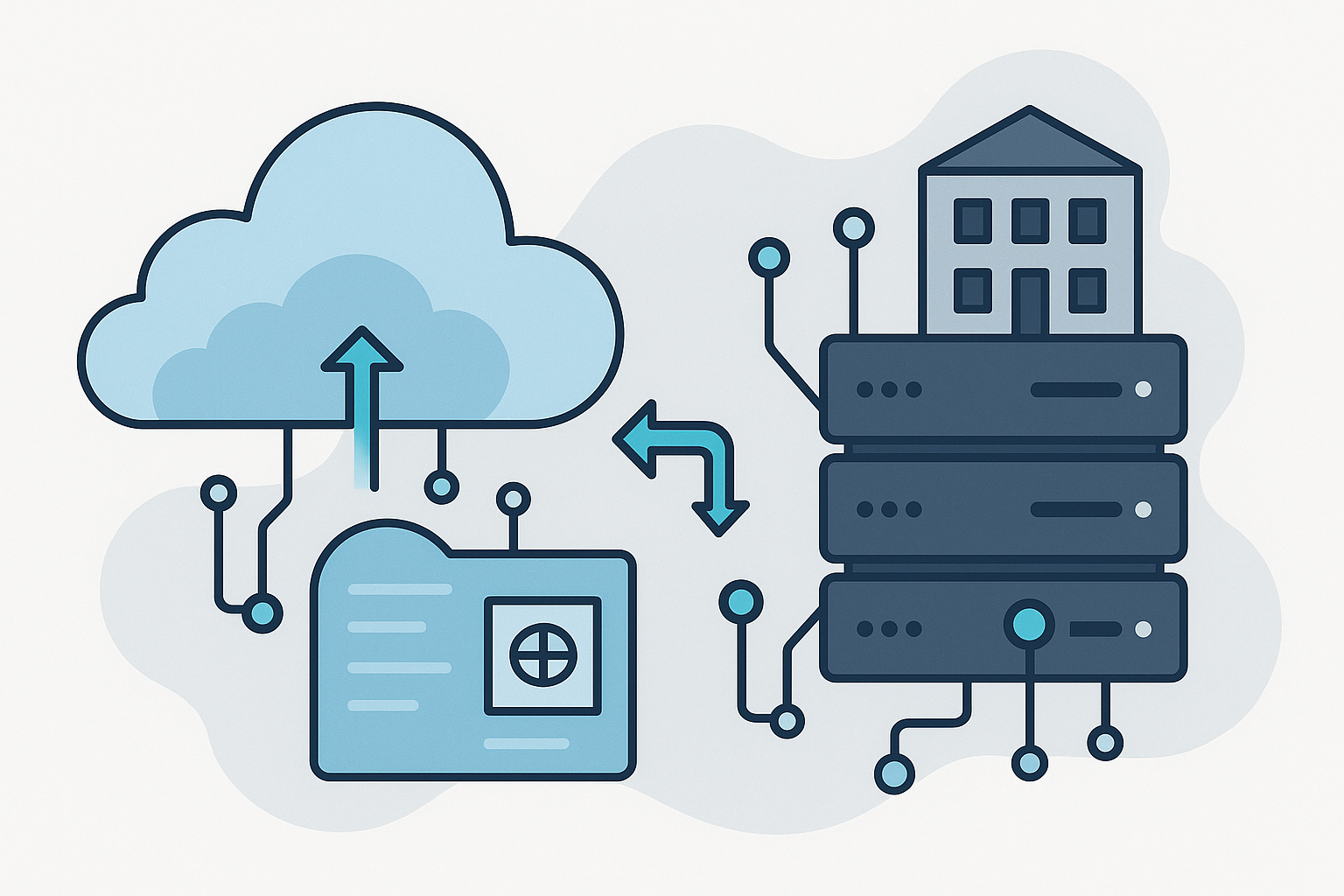
Molnbaserad och lokal hosting: skalbarhet och säkerhet med Blippa
När företag implementerar digitala produktpass måste de välja en infrastruktur som balanserar prestanda, säkerhet och kostnad. Blippas plattform erbjuder flexibla hostingalternativ som passar organisationer i alla storlekar. Molnbaserad hosting Blippas molnlösning körs på enterprise-grade infrastruktur med automatisk skalning, 99,9% tillgänglighet och dagliga säkerhetskopior. Företag slipper hantera servrar och kan fokusera på att skapa och hantera […]

Bygga förtroende genom transparens – vikten av standarder och datakvalitet
I en tid av ökande regulatoriska krav och konsumentmedvetenhet är transparens inte längre valfritt – det är en konkurrensfördel. Digitala produktpass (DPP) under EU:s ESPR-ramverk kräver att företag tillhandahåller verifierbara, standardiserade data om sina produkter. Varför standarder spelar roll Utan gemensamma standarder blir produktdata svårtolkade och jämförbara. GS1 Digital Link, ISO-standarder och CEN/CENELEC-ramverk säkerställer att […]

Digitala produktpass för mode och textil: en hållbarhetsrevolution
Modeindustrin står inför växande krav på att bevisa hållbarhet och etiska metoder. Konsumenter vill veta var plaggen kommer ifrån, hur de tillverkas och hur man tar hand om dem. Digitala produktpass erbjuder en lösning. Blippas plattform ger modevarumärken ett skräddarsytt verktyg för att skapa och hantera DPP:er. Spårbarhet och transparens Modets leveranskedjor är komplexa och […]
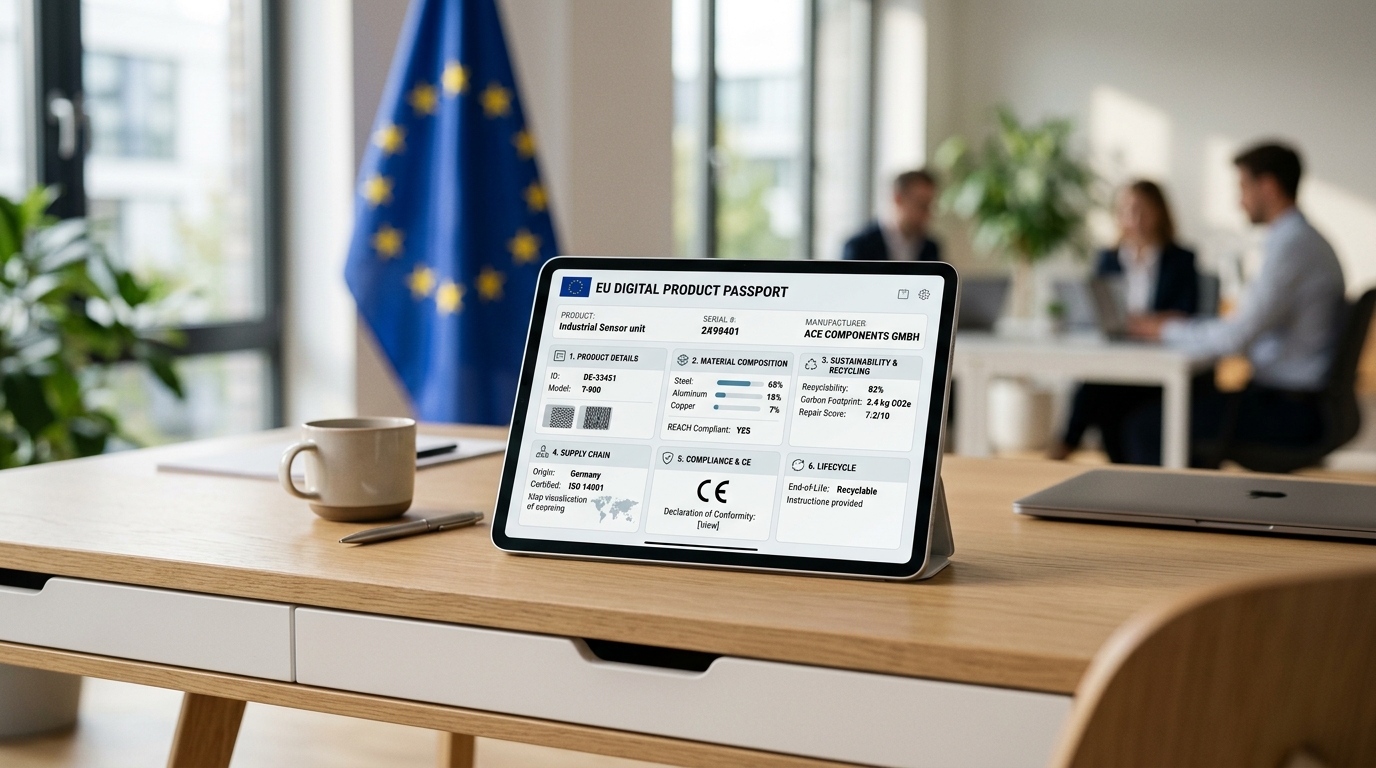
EU JRC Publishes Official Methodology for DPP Data Requirements Under ESPR
The EU Joint Research Centre has published the official methodology for defining Digital Product Passport data requirements under ESPR. The report establishes three data priority levels and confirms timelines for textiles (2027), furniture (2028), and electronics (2029).
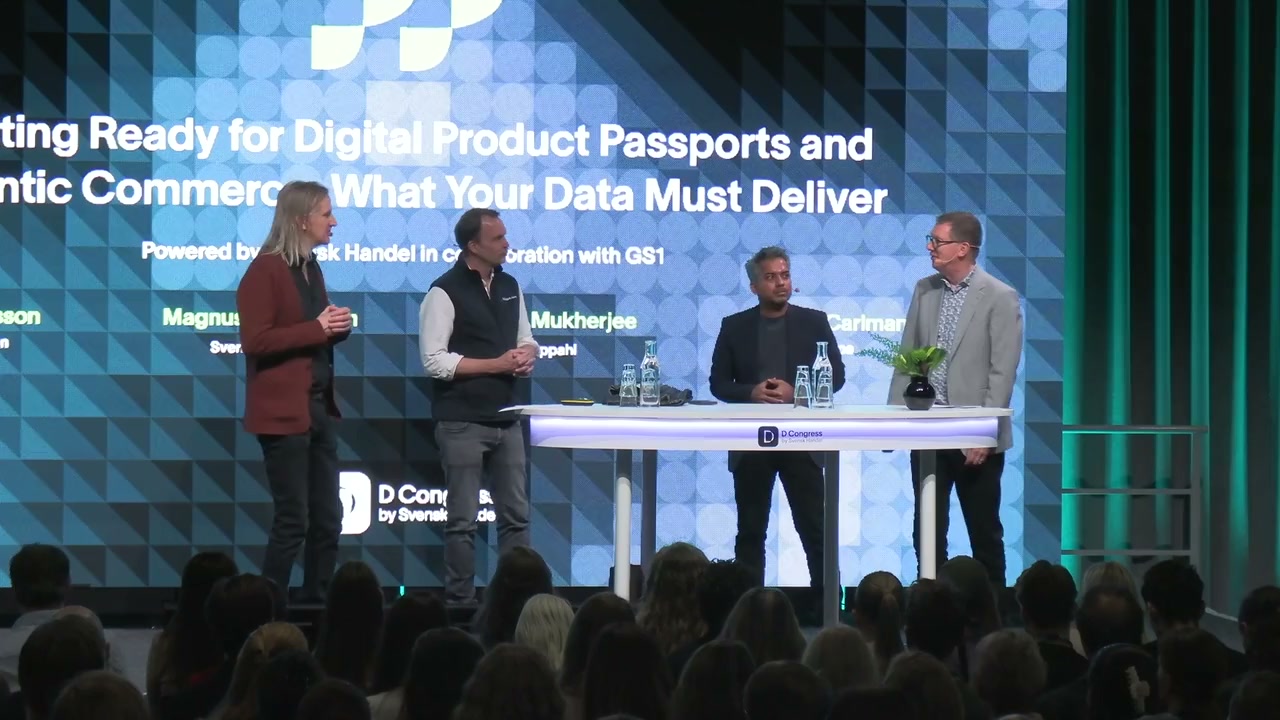
From Compliance to Competitive Edge – DPP Insights from D-Congress 2026
At D-Congress 2026, Blippa's Daniel Carlman joined GS1 Sweden, Kappahl, and Svensk Handel to discuss Digital Product Passports — from EU regulation to agent commerce. Watch the full panel and learn why structured product data is becoming the oxygen of modern retail.
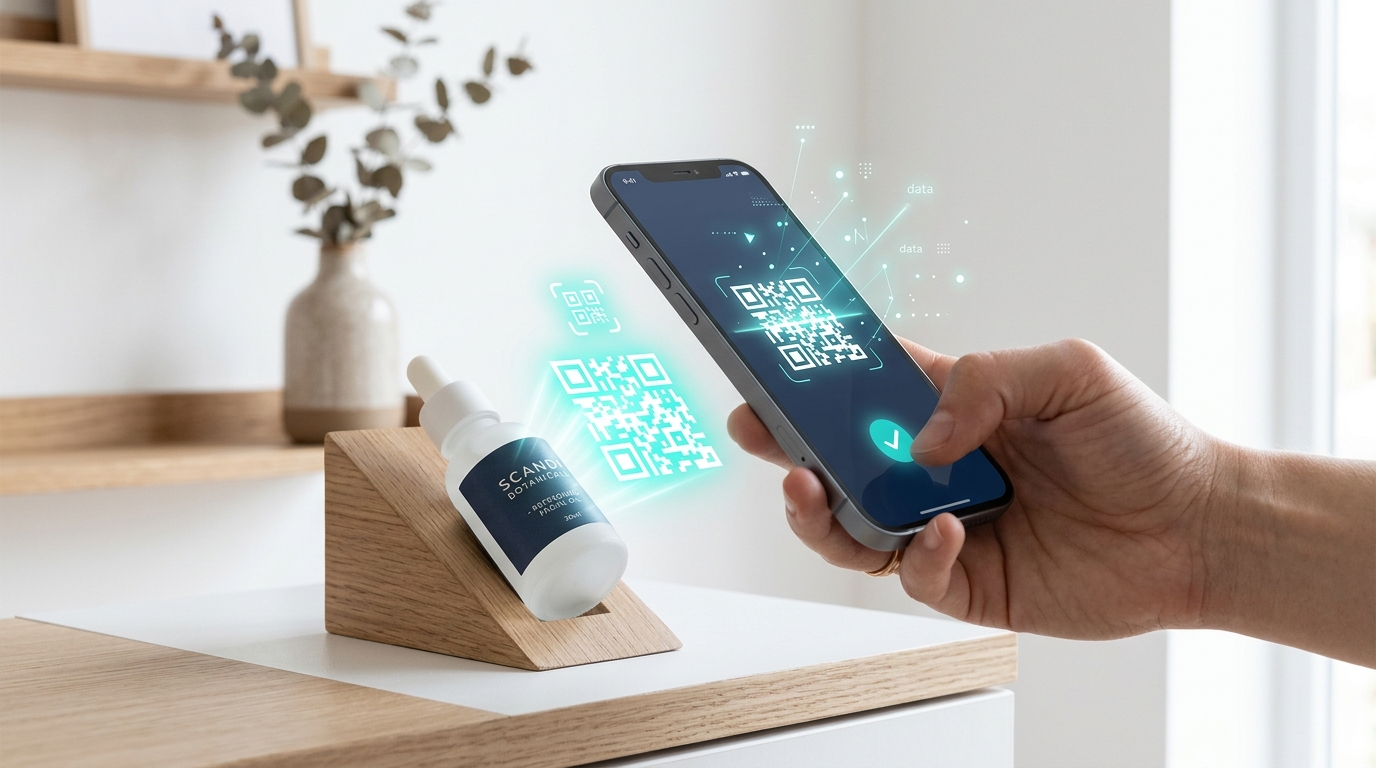
Introducing Blippa This — Digitize Anything in 30 Seconds
Blippa This is live at blippa.me — digitize anything in 30 seconds with 100+ templates, AI vision, and full EU DPP compliance.

Meet Blippa at Techarenan 2026!
See you at Techarenan 2026! Blippa is exhibiting at Sweden’s largest tech event on February 11-12 in Stockholm. Come discover how you can digitize anything in just 30 seconds! What we’re showcasing 🏭 Digital Product Passport (DPP) – EU-compliant solution for ESPR 📱 Blippa This! – Create an app with a single scan 🏷️ Lost […]
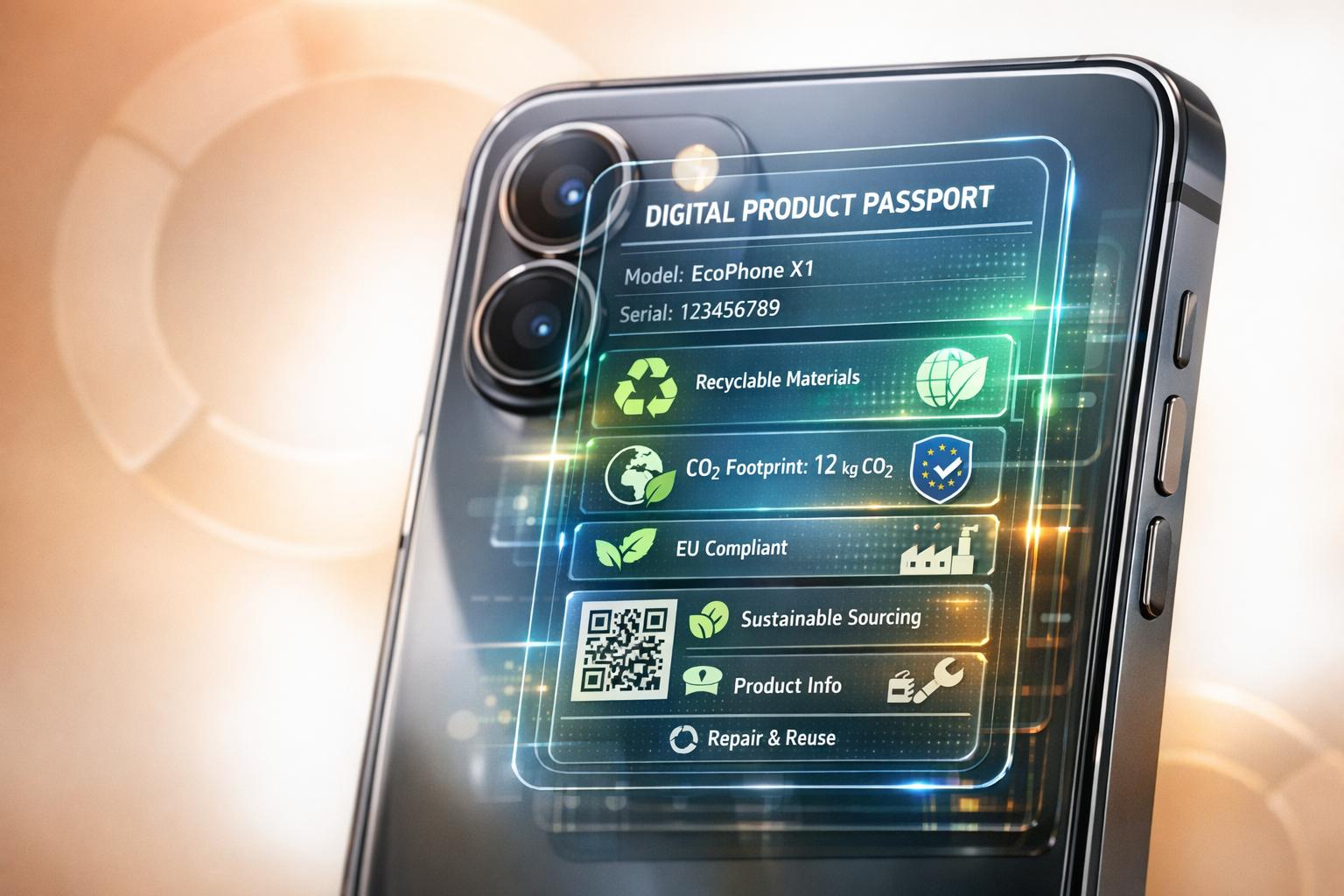
CIRPASS project
Digital Product Passports make product lifecycles transparent, enabling repair, recycling and regulatory compliance to drive the shift to a circular economy.
Digital Product Passports for Recycling
Digital Product Passports link QR/RFID IDs to material and lifecycle data, boosting recycling efficiency, ensuring EU ESPR compliance and enabling circular business models.
ERP and PIM Integration for DPP: Tools to Use
Guide for Swedish firms to connect ERP and PIM and meet EU Digital Product Passport rules using no-code tools, iPaaS/middleware, or direct APIs.
European Union (EU) Digital Product Passport (DPP) Compliance oversight
Overview of EU DPP rules under ESPR, Sweden’s enforcement, timelines, sector requirements, and practical steps for manufacturers to prepare.
Checklist for Implementing Digital Product Passports
Checklist to plan, pilot and scale Digital Product Passports in Sweden—covering governance, data quality, technology, supplier collaboration and ESPR compliance.
Priority DPP requirements going into 2026
Swedish businesses must prepare for mandatory Digital Product Passports under ESPR: audit data, digitize records, and integrate ERP/PIM before 2026.
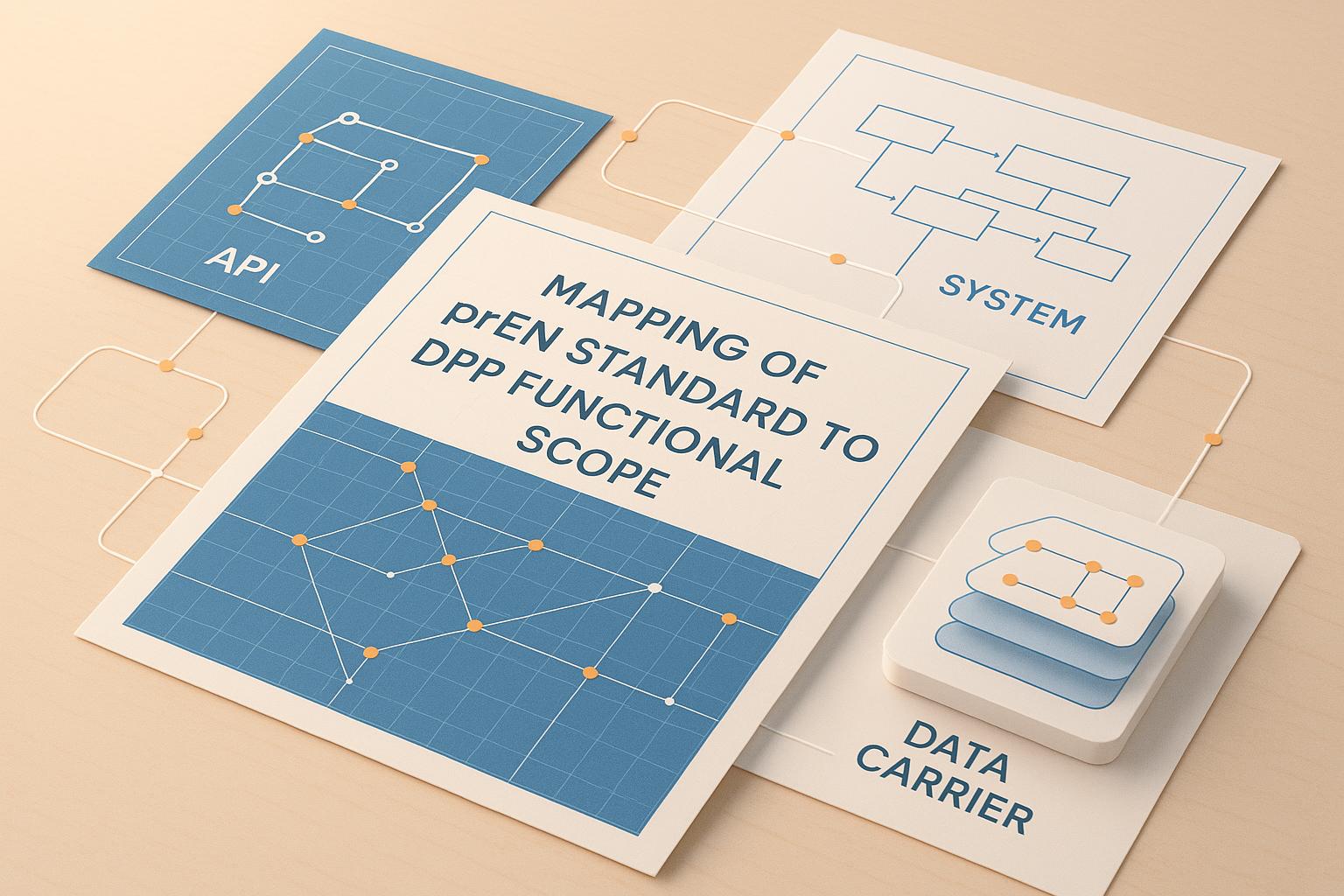
Mapping of prEN standard to DPP functional scope
Checklist mapping prEN 1821x/1822x to DPP system requirements—identifiers, data carriers, access, APIs, storage and authentication for March 31, 2026 compliance.
DPP with No-Code vs Traditional Development: Which to Choose?
Compare no-code platforms and custom development for Digital Product Passports, weighing speed, cost, security, and integration to fit your budget and timeline.
Digital Product passport Management: Common Questions Answered
Explore how Digital Product Passports enhance transparency, compliance, and sustainability for Swedish businesses, driving competitiveness in a regulated market.
Use DPP agent to prepare for upcoming DPP legislation?
Businesses must prepare for EU Digital Product Passport regulations by ensuring compliance and improving product data management.
Digital Product Passports: 7 Key Benefits for Business
Explore how Digital Product Passports enhance traceability, regulatory compliance, and sustainability for businesses, boosting efficiency and trust.
Building Trust through Transparency – The Importance of Standards and Data Quality
For digital product passports to be effective, the data they contain must be accurate, consistent and accessible. Blippa’s platform emphasises transparency, accuracy, consistency, accessibility and interoperability, aligning with standards that ensure DPPs serve their purpose. Transparency Passports must clearly outline the product’s origin, composition and sustainability attributes. Consumers and regulators need to understand where materials […]
Digital Product Passports for Fashion and Textiles: A Sustainability Game‑Changer
The fashion industry faces growing pressure to prove sustainability and ethical practices. Consumers want to know where garments come from, how they are made and how to care for them. Digital product passports offer a solution. Blippa’s platform provides a tailored approach for fashion brands to create and manage DPPs. Traceability and Transparency Fashion supply […]
Cloud and On‑Premises Hosting: Scalability and Security with Blippa
As digital product passports become mandatory, scalability and security are paramount. Blippa’s flexible hosting options ensure that businesses of all sizes can deploy DPPs without compromising performance or data control. Global Cloud Hosting Blippa’s default hosting uses a global content delivery network (CDN) powered by Amazon CloudFront. This means passport pages load quickly anywhere in […]
Collaboration, Version Control and Role Management in Blippa’s Platform
Managing digital product passports often involves multiple stakeholders — product teams, sustainability officers, compliance specialists, and external partners. Blippa’s platform includes robust collaboration features to ensure that everyone works efficiently without stepping on each other’s toes. Version Control: Tracking Changes Blippa offers version control so you can track changes to passports over time. Each edit […]
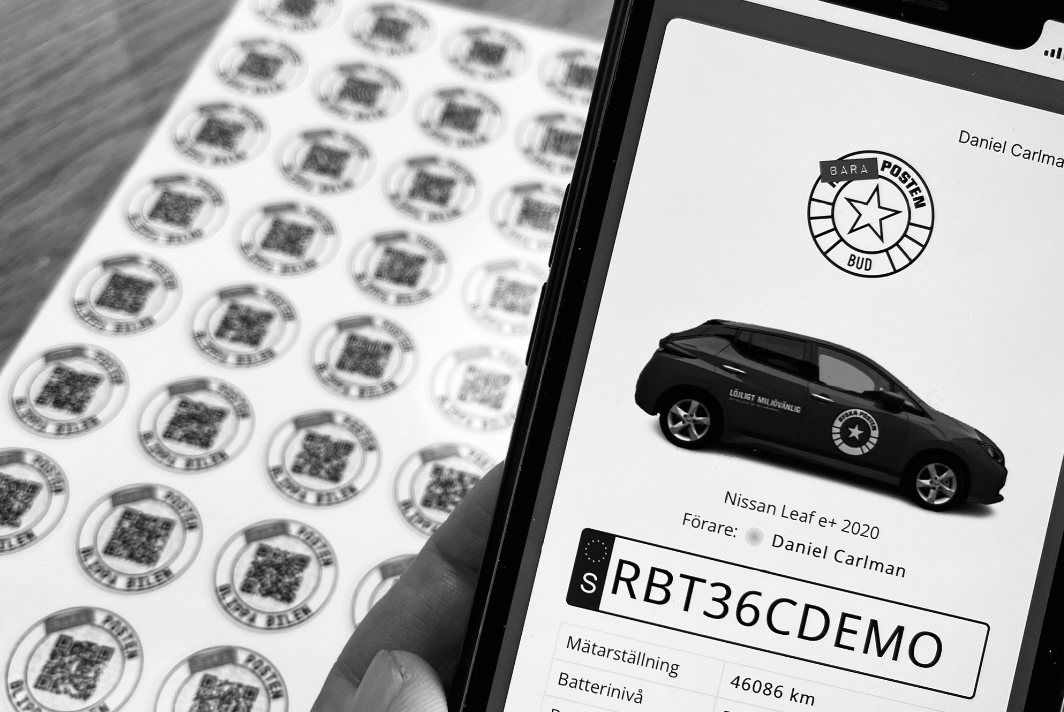
Can an object have more than one QR code?
Each Blippa object can have one or more links. And since our QR codes are just links, you can have several QR codes opening the same object web page. This is also useful if your label needs to be replaced.Just apply a fresh label, scan the QR and choose “Connect to an existing object”.Done! Also, […]

Can I use variables in Link?
When using the Link function in Blippa, it might be useful to send some parameter to the link target. This is possible by just using this syntax in the link:https://www.google.com/maps/place/$var:street$+$var:street_no$,+$var:post_code$+$var:city$ (Note: In this case, the Blippa object must have a variables named street, street_no, post_code and city). Sweden, use: https://www.google.com/maps/place/$var:gata$+$var:gatunummer$,+$var:postnummer$+$var:ort$

Can we use Excel to create objects?
Excel is a great tool to use when creating hundreds or thousands of Blippa objects.Combined with Blippas “Swiss army knife”, the variables, you can create thousands of individual objects in no-time 🙂 How-to:
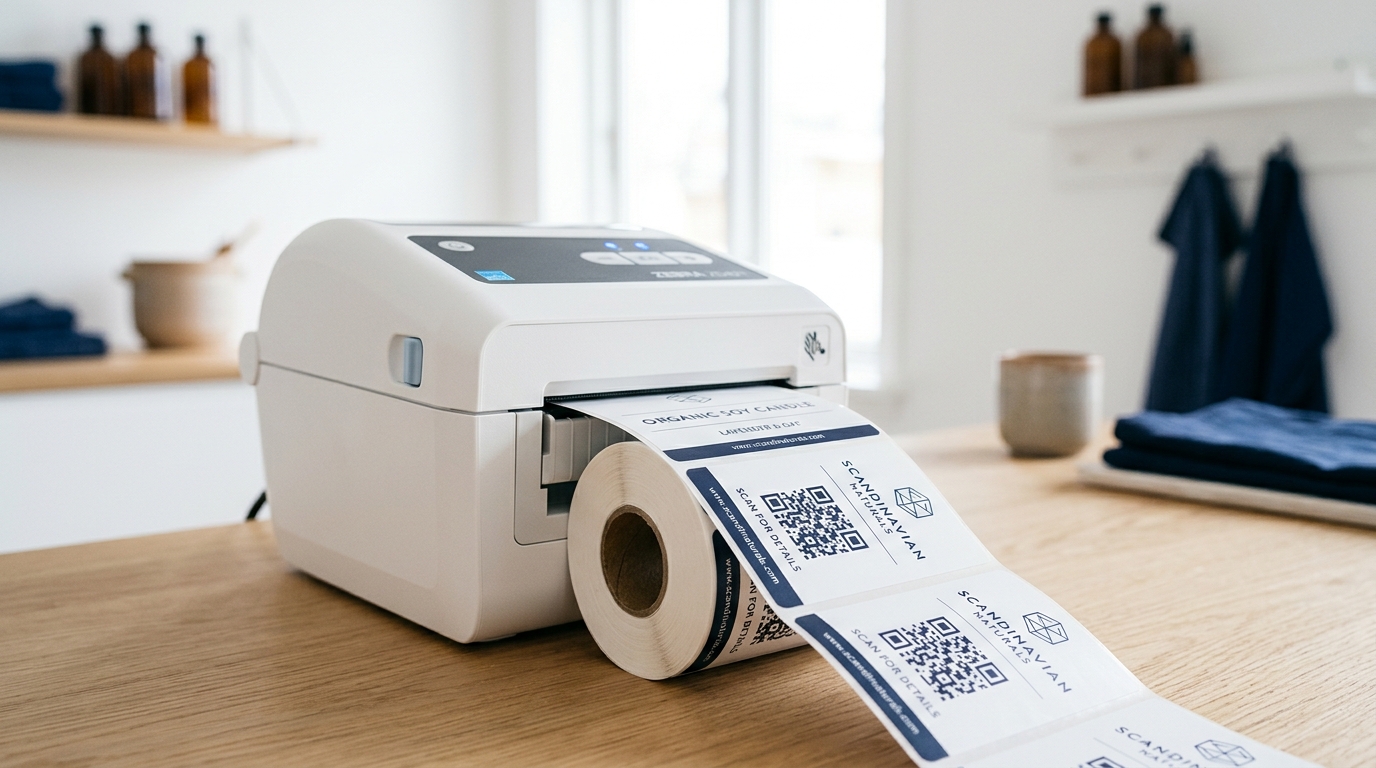
Do we need to create the objects before we print the QR labels?
No, you can print hundreds of QR labels without any corresponding objects.At first use of the QR code, you can select if the QR shall be used to create a new object based on a template, connect it to an existing object or create an object from scratch. This is suitable for scenarios like equipment […]

Dynamic images now supported!
We have now added support for dynamic images in Blippa. With this, images containing variables from Blippa can be created with ease. Just create a SVG file and insert the text $var:name$ where name is the variable to use. The content of the variable will replace the $var:name$ when blippa.com shows the image. Super Easy! […]
How to solve the prompt “login” problem (iPhone)
Spoiler alert – switch to public mode. Even though the Login checkbox “Remember me” is selected, the login menu appears every time. This can be fairly annoying in the long run, especially for Blippa editors doing hundreds of tests per day. The solution is fairly simple: On iPhone, Safari is the default browser.So, Safari is […]
Render a Blippa variable as EAN code
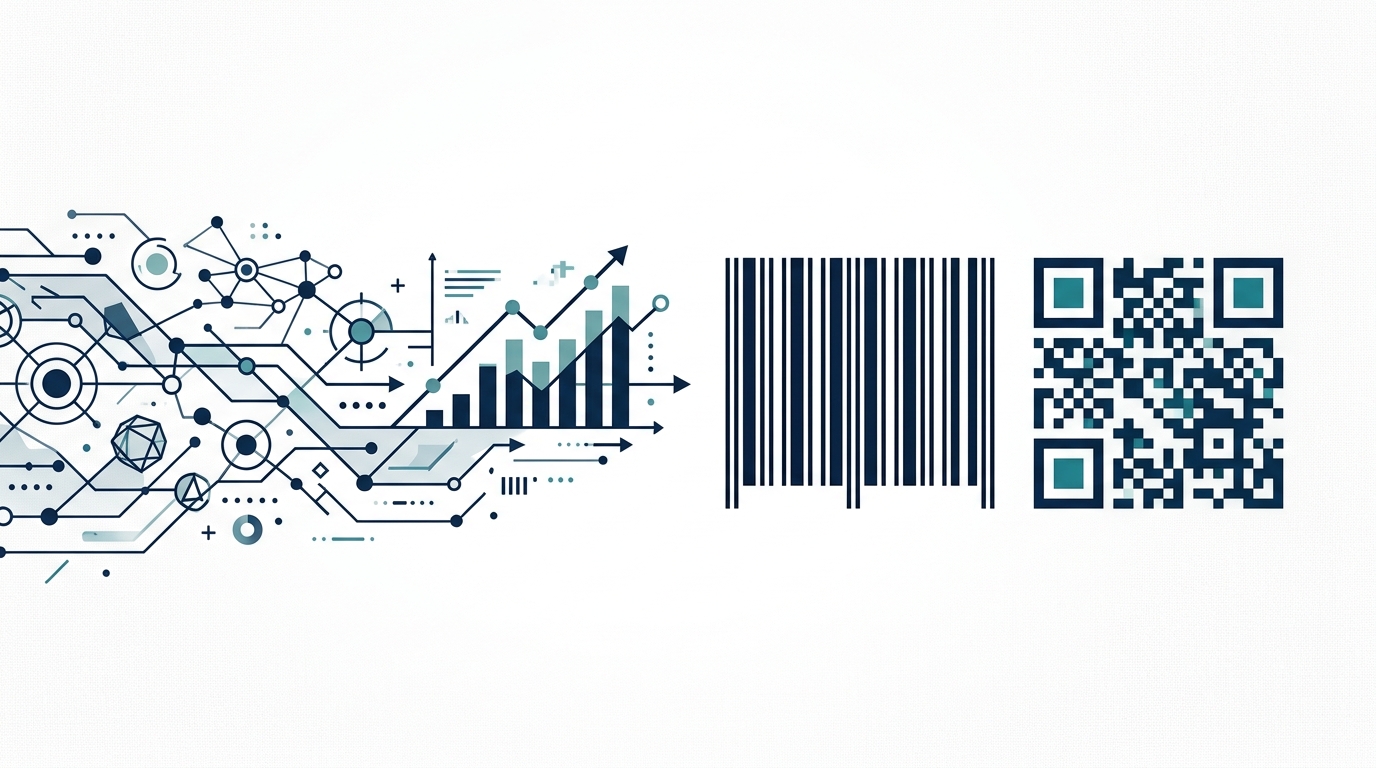
We have now made it possible to render a text variable as EAN code. This only works in the editor. Example: $var:myvariable:barcode$ You can also specify what kind of EAN code to generate: $var:myvariable:barcode:ean$ $var:myvariable:barcode:code39$ $var:myvariable:barcode:isbn$ etc. Here is a list of all possible options and the corresponding EAN version. "ean8": EAN8, "ean13": EAN13, "ean": […]
Just released: Blippa Data Sources!
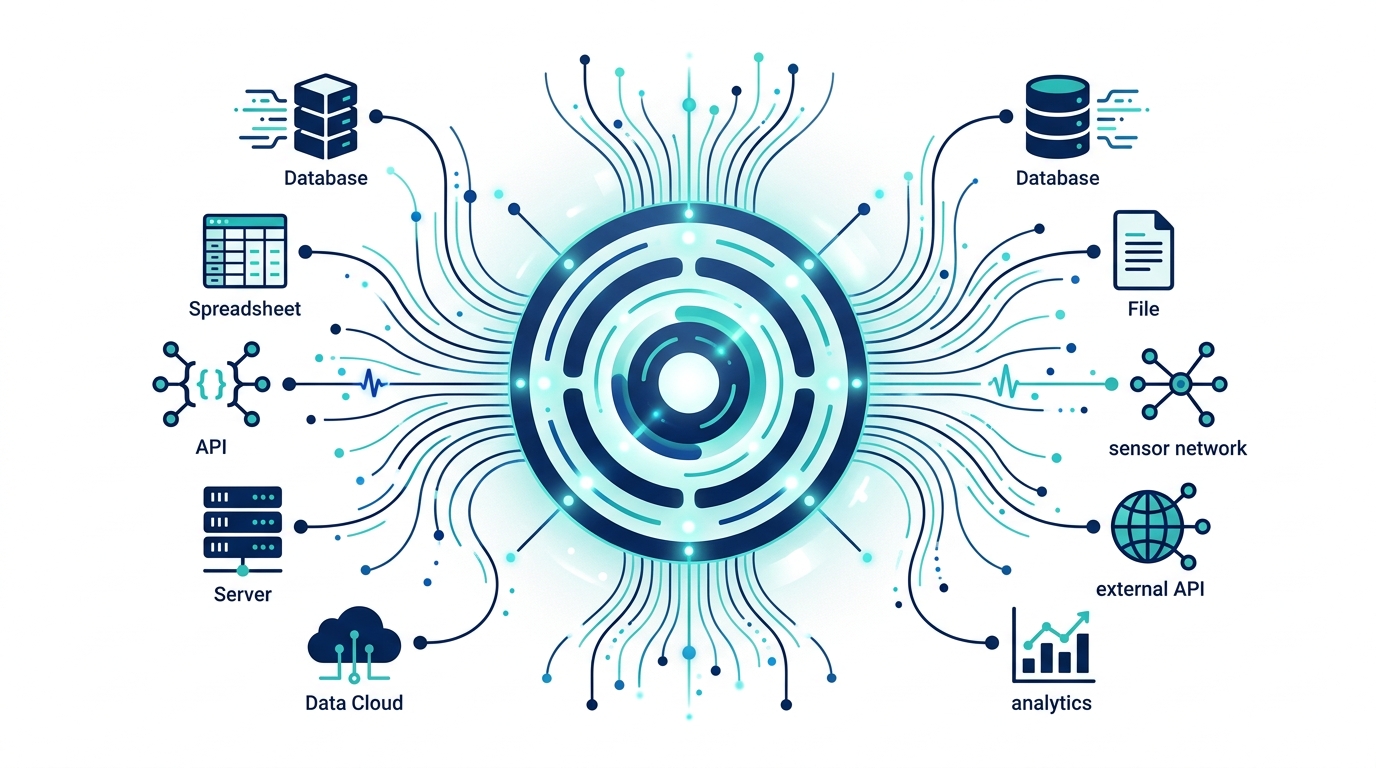
We have now taken the knowledge gained in our latest customer projects and developed a super smooth way to get data into large amounts of Blippa objects. The new Data Sources is now available for admins under https://blippa.com/labelsadmin/Account Data Sources differs from Integrations in that they are only to be used as data feeds, versus […]
Play around at our new Blippa staging servers!
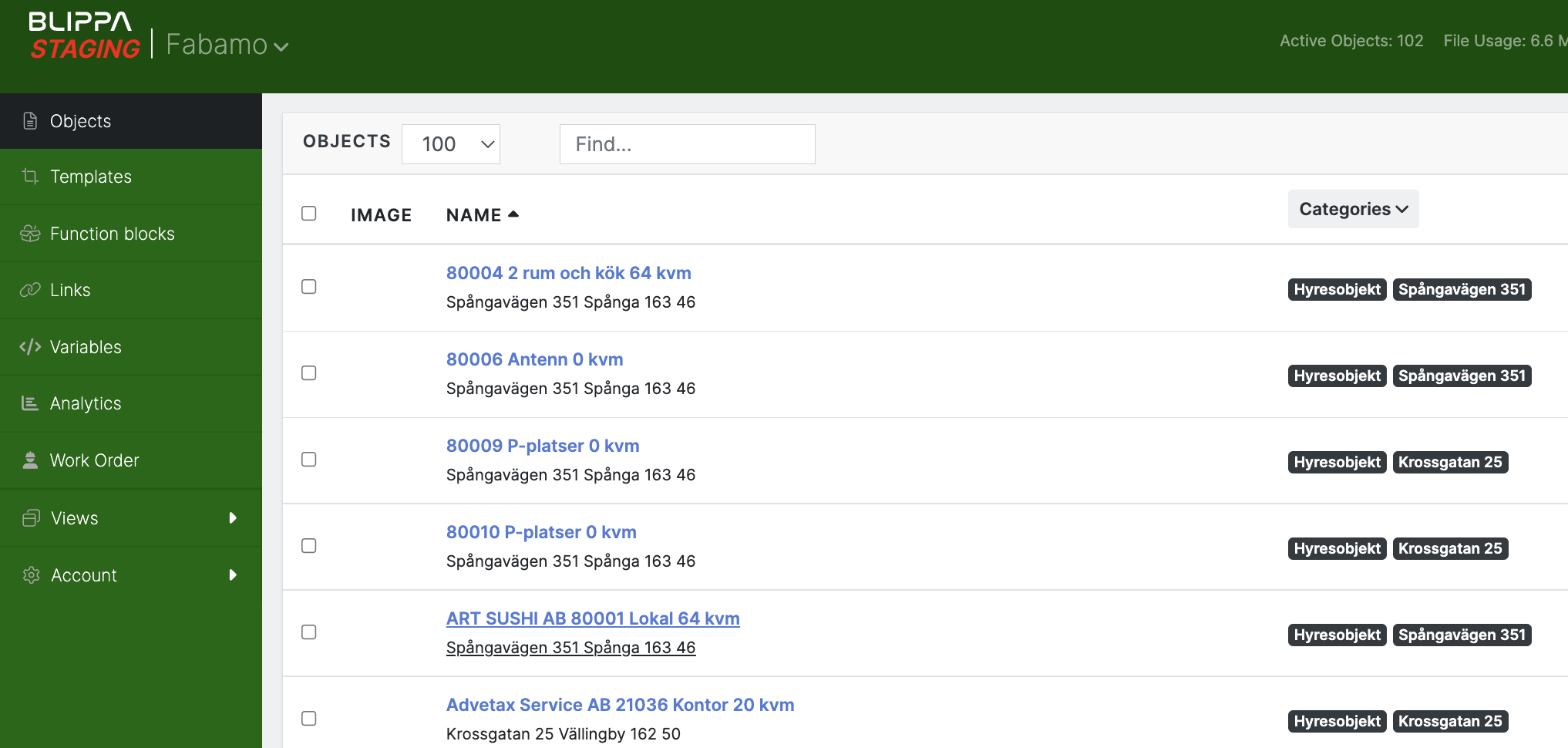
We needed a better way to test big changes so we added a serious staging environment for the Blippa.com system. Works great for us at Blippa. But, since all content is copied every night from our production servers, your Blippa account is also copied.So, you can play around with your objects, templates, variables and data […]
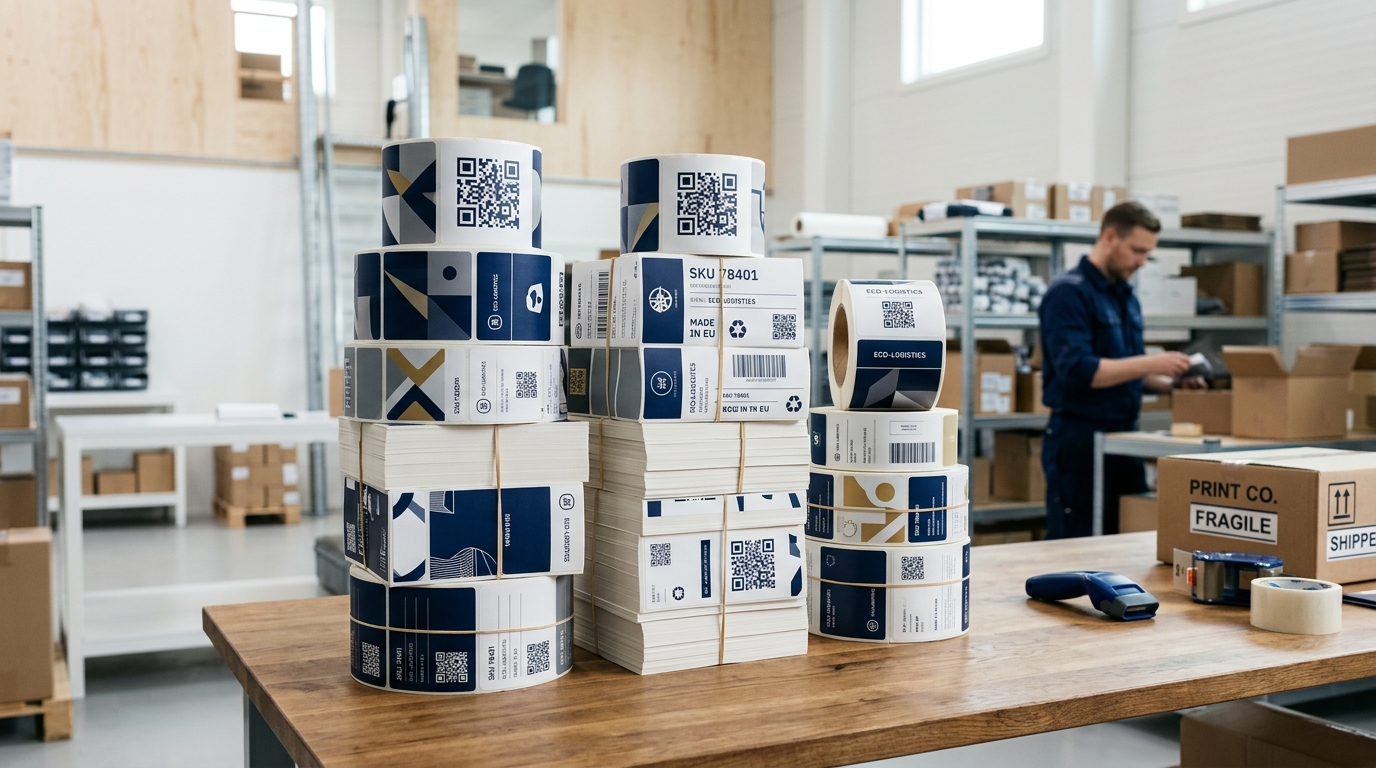
More options for sending QR codes to print companies.
We have modified the “Download QR as PDF” to allow choosing between creating one PDF with one QR sticker on each page, or one PDF with many QR stickers on each page. Different print partners prefer different files, so this option is to cover both methods. Also, the cutting line needed is made in a […]
Dropbox integration!
We have now released the new Dropbox integration. With this, data in the new Data Sources like Excel files can be edited and saved to Dropbox.The new data will automatically be updated in all Blippa objects, without the need to upload a new file to Blippa. This is also useful when using Blippa to provide […]

How to render variables as phone or email links
Sometimes you want a phone number to instantly make a call. Or an email to send an email. Now you can do that easily. When using the Blippa variables to display phone numbers or email address you can mark these as click links. You can now add :tel or mailto: as a prefix to a […]
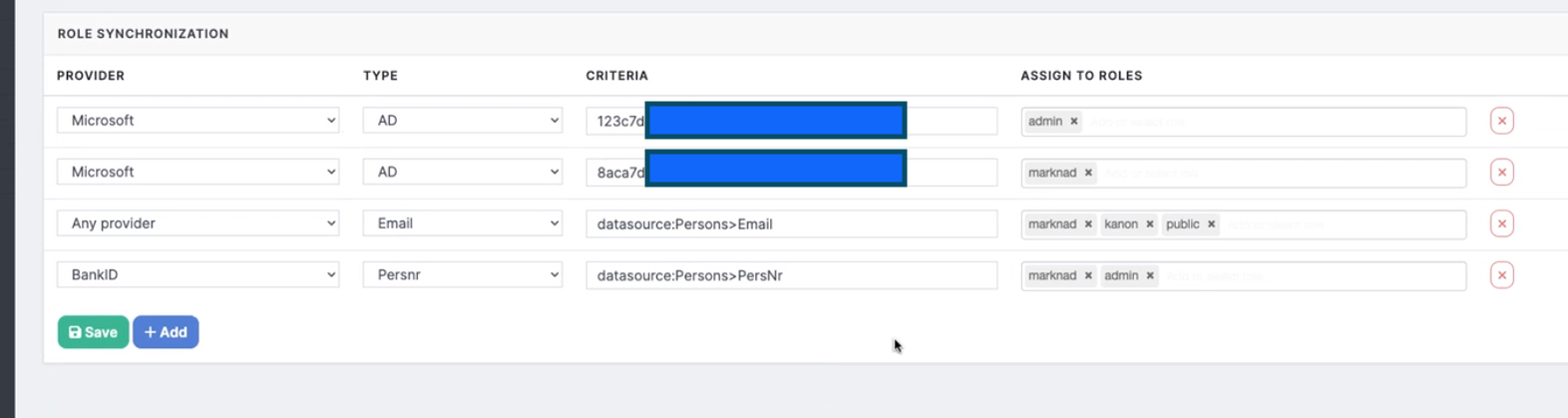
How to add users to a Role using Excel files
In Blippa, there is now a function that allows you to upload (or link using Dropbox) an Excel file containing users. The excel file can contain emails or social security numbers (Swedish: personnummer) plus other data. How-to: /Mikael Runhem
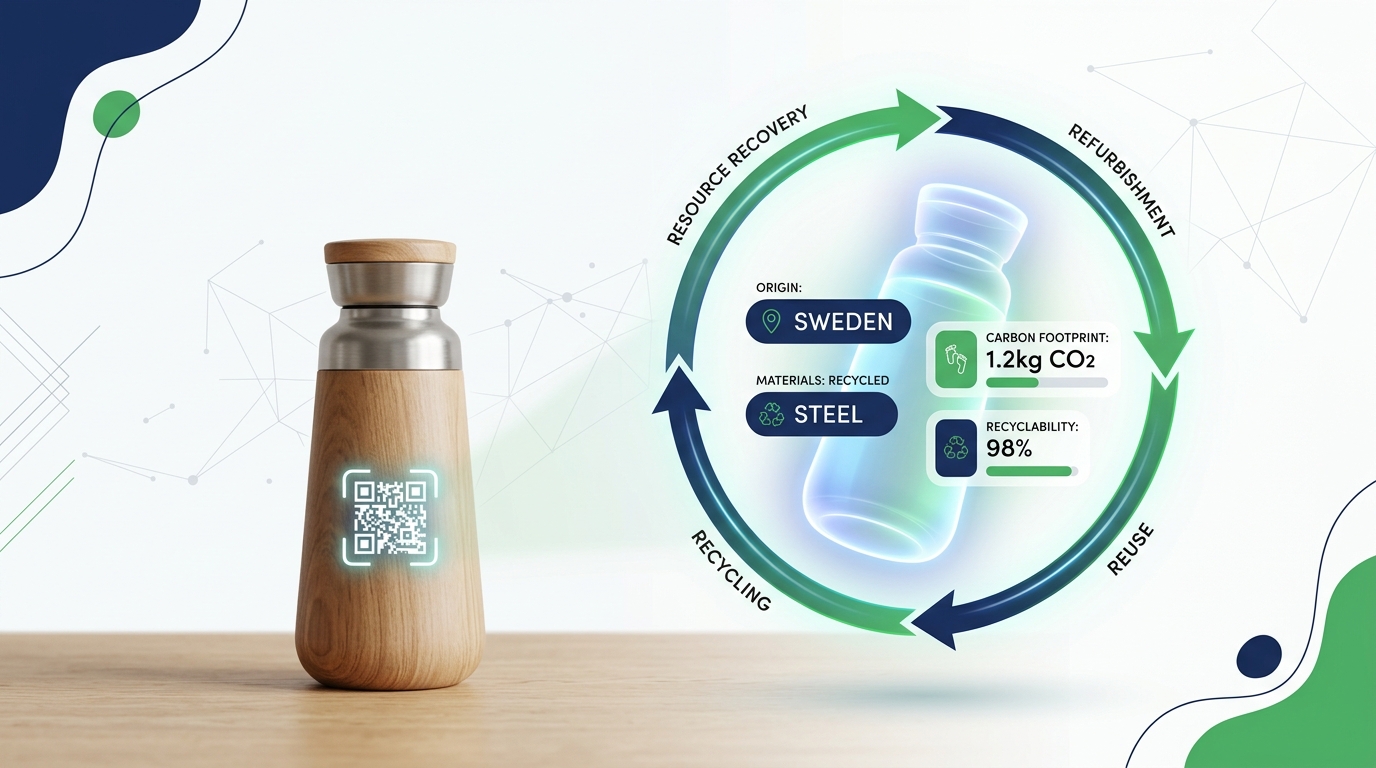
Benefits of a Digital Product Passport
A digital product passport is an electronic document that provides comprehensive and accurate information about a product. It can be accessed and shared digitally, making it an efficient and convenient way to manage product information. One of the key benefits of a digital product passport is that it allows manufacturers to easily share comprehensive and […]
Prioritize these features when implementing a Digital Product Passport
A digital product passport is a unique digital identity that is assigned to a specific product. It provides a comprehensive overview of the product’s characteristics, including its origin, composition, and sustainability information. It can be difficult to know where to start, and that is why Blippa wants to help you get going. Implementing a digital […]
Why should I care about Digital Product Passport?
Digital product passports, also known as e-passports, have been gaining popularity in recent years as a way to ensure the safety and quality of products sold online. These digital passports, which are essentially digital versions of traditional product labels, provide consumers with detailed information about the product they are purchasing, including its origin, ingredients, and […]
Why should I care about Digital Product Passport?
Digital product passports, also known as e-passports, have been gaining popularity in recent years as a way to ensure the safety and quality of products sold online. These digital passports, which are essentially digital versions of traditional product labels, provide consumers with detailed information about the product they are purchasing, including its origin, ingredients, and […]
Prioritize these features when implementing a Digital Product Passport
A digital product passport is a unique digital identity that is assigned to a specific product. It provides a comprehensive overview of the product’s characteristics, including its origin, composition, and sustainability information. It can be difficult to know where to start, and that is why Blippa wants to help you get going. Implementing a digital […]
Benefits of a Digital Product Passport
A digital product passport is an electronic document that provides comprehensive and accurate information about a product. It can be accessed and shared digitally, making it an efficient and convenient way to manage product information. One of the key benefits of a digital product passport is that it allows manufacturers to easily share comprehensive and […]
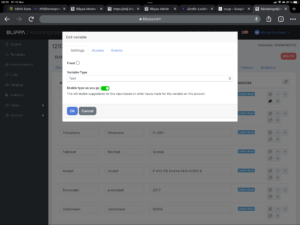
Type-as-you-go in variables
When objects are created, it is good to have all options pre-defined. Like brands, models, colours etc etc. The downside is that it creates new administration tasks, something we all can do without. So, to solve this, we now have deveoped a type-as-you-go system for variables. As soon as you have typed a car model, […]
How to add users to a Role using Excel files
In Blippa, there is now a function that allows you to upload (or link using Dropbox) an Excel file containing users. The excel file can contain emails or social security numbers (Swedish: personnummer) plus other data. How-to: Make an Excel file with headings on row 1 and then the user data on row 2 etc. […]
How to render variables as phone or email links
Sometimes you want a phone number to instantly make a call. Or an email to send an email. Now you can do that easily. When using the Blippa variables to display phone numbers or email address you can mark these as click links. You can now add :tel or mailto: as a prefix to a […]
Dropbox integration!
We have now released the new Dropbox integration. With this, data in the new Data Sources like Excel files can be edited and saved to Dropbox. The new data will automatically be updated in all Blippa objects, without the need to upload a new file to Blippa. This is also useful when using Blippa to […]
More options for sending QR codes to print companies.
We have modified the “Download QR as PDF” to allow choosing between creating one PDF with one QR sticker on each page, or one PDF with many QR stickers on each page. Different print partners prefer different files, so this option is to cover both methods. Also, the cutting line needed is made in a […]
Play around at our new Blippa staging servers!
We needed a better way to test big changes so we added a serious staging environment for the Blippa.com system. Works great for us at Blippa. But, since all content is copied every night from our production servers, your Blippa account is also copied.So, you can play around with your objects, templates, variables and data […]
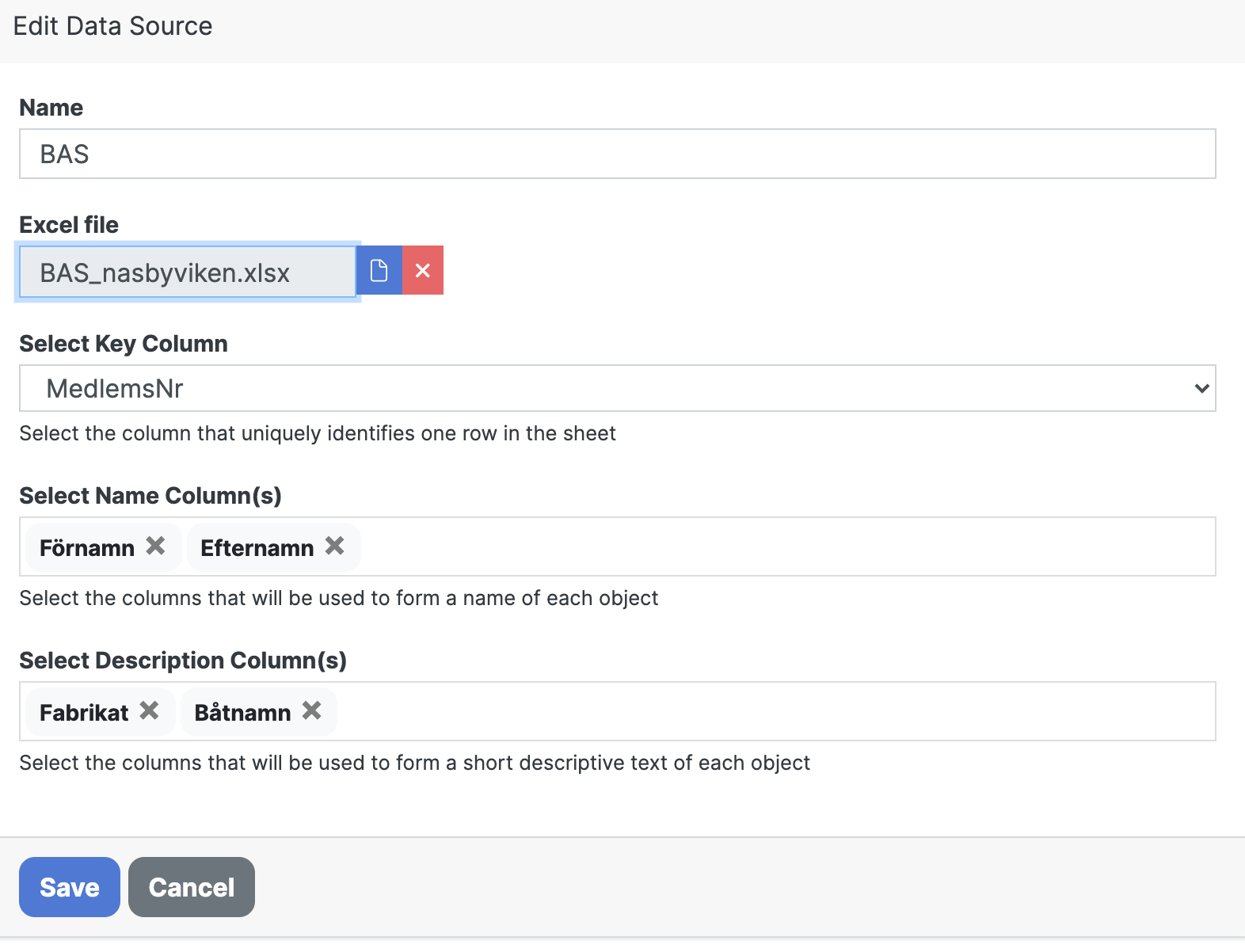
Just released: Blippa Data Sources!
We have now taken the knowledge gained in our latest customer projects and developed a super smooth way to get data into large amounts of Blippa objects. The new Data Sources is now available for admins under https://blippa.com/labelsadmin/Account Data Sources differs from Integrations in that they are only to be used as data feeds, versus […]
Render a Blippa variable as EAN code
We have now made it possible to render a text variable as EAN code. This only works in the editor. Example: $var:myvariable:barcode$ You can also specify what kind of EAN code to generate: $var:myvariable:barcode:ean$ $var:myvariable:barcode:code39$ $var:myvariable:barcode:isbn$ etc. Here is a list of all possible options and the corresponding EAN version. "ean8": EAN8, "ean13": EAN13, "ean": […]
How to solve the prompt “login” problem (iPhone)
Spoiler alert – switch to public mode. Even though the Login checkbox “Remember me” is selected, the login menu appears every time. This can be fairly annoying in the long run, especially for Blippa editors doing hundreds of tests per day. The solution is fairly simple: On iPhone, Safari is the default browser. So, Safari […]
Dynamic images now supported!
We have now added support for dynamic images in Blippa. With this, images containing variables from Blippa can be created with ease. Just create a SVG file and insert the text $var:name$ where name is the variable to use. The content of the variable will replace the $var:name$ when blippa.com shows the image. Super Easy! […]
Do we need to create the objects before we print the QR labels?
No, you can print hundreds of QR labels without any corresponding objects. At first use of the QR code, you can select if the QR shall be used to create a new object based on a template, connect it to an existing object or create an object from scratch. This is suitable for scenarios like […]
Can we use Excel to create objects?
Excel is a great tool to use when creating hundreds or thousands of Blippa objects. Combined with Blippas “Swiss army knife”, the variables, you can create thousands of individual objects in no-time 🙂 How-to: Create a Template. In the template, create variables to be used (like serial_number etc) for everything you like to have “dynamic”. […]
Can I use variables in Link?
When using the Link function in Blippa, it might be useful to send some parameter to the link target. This is possible by just using this syntax in the link: https://www.google.com/maps/place/$var:street$+$var:street_no$,+$var:post_code$+$var:city$ (Note: In this case, the Blippa object must have a variables named street, street_no, post_code and city). Sweden, use: https://www.google.com/maps/place/$var:gata$+$var:gatunummer$,+$var:postnummer$+$var:ort$
Can an object have more than one QR code?
Each Blippa object can have one or more links. And since our QR codes are just links, you can have several QR codes opening the same object web page. This is also useful if your label needs to be replaced. Just apply a fresh label, scan the QR and choose “Connect to an existing object”. […]